

SmartImporter
You bought the curriculum.
Now bring it to life.
Bring your existing curriculums and lesson plans into Homeschool Studio automatically.
Upload a PDF or Word document, or capture straight from your learning curriculum sites. SmartImporter reads them and builds your learning paths and lesson plans in seconds. Any publisher. Any format. Any language.
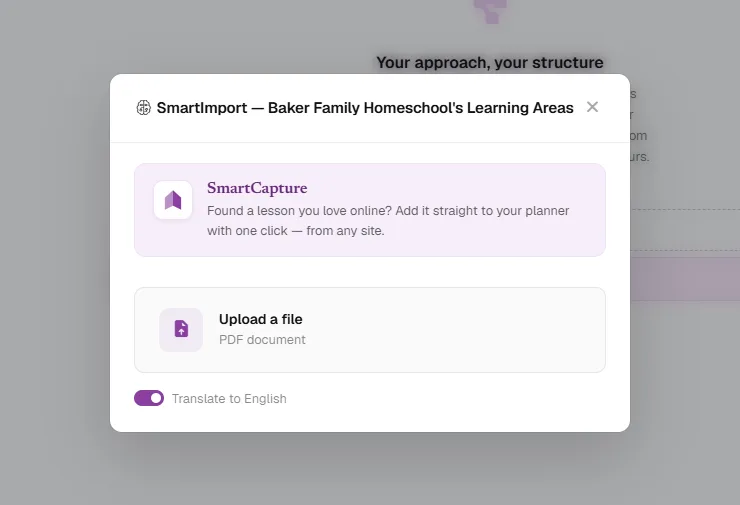
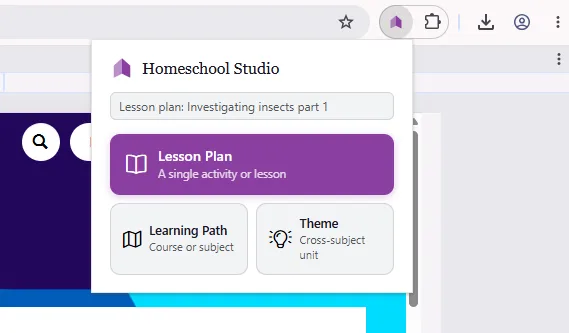
SmartCapture
Found a lesson you love online? Bring it in with one click.
Add the Homeschool Studio extension to your browser. When you land on a lesson you like, click once – it drops into your lesson plans list, ready for scheduling.
It even works on the subscription sites you're already signed into – the lessons you already pay for.
What SmartImporter does
Import your text-based PDF or Word document as a learning path, a theme, or a lesson plan.
One click in your browser saves any lesson straight to your lesson plans list – even the subscription sites you're signed into.
Teaching overseas and need to import the local curriculum? One click to translate it into the language you teach in.
After import, edit lesson plans, reorganize learning objectives – just the way you want it.

Import your child's first learning path now, free.
30 days free. No credit card. Cancel any time.
Start free — 30 days